Showing posts with label text. Show all posts

Wednesday, November 16, 2022

2nd Website Project utilizing Dreamweaver

     Learning how to use Dreamweaver was a little bit of a challenge for me but in the process I ended up memorizing some valuable CSS codes. I am now comfortable making separate <div classes and using advanced HTML5 and CSS codes when building websites. I was gently pushed by my teacher to pick a website online and to try to replicate it. I chose to try and replicate a WIX musician portfolio website that has a split screen. A friend of mine is a shy musician but he agreed to let me use his images and videos as content for the site. I tailored the website theme to meet his emo style. The website is made as a fake musician portfolio for him, highlighting his guitar playing skills and his music taste etc.

     I found the split screen layout code on the W3Schools website. It worked but with some glitches that my teacher, friends, and I had to tweak. I spent a few days changing words and numbers in the code till I learned what was what and what did what. It was a great learning experience! I wish Myspace.com was still around so I could build cool Myspace layouts all day LOL. 

    For the INSPIRATION section I vectorized my friend's selfie profile picture and added headphones and put it next to his Spotify playlist. He loved it! The CONTACT page has a cool text effect in it if you click the picture there. The BOOKING section that lists his fake booking agents was made entirely in Dreamweaver. I learned, at the end of my project after putting it online that the code I used worked well on desktops and laptop computers but not as smoothly on mobile phones. I did my best to try and solve this dilemma but I wasn't able to fix everything. If you would like to see the website message, comment, or email me. The class project was directed at laptops and desktop computers and so I got an A mark. In my previous blog entry about building a comic book page flipping website, the code that was used for it is mobile friendly. It's just another lesson learned for me. I have grown a lot taking these courses and I know that I'll just keep getting better and better at coding websites. You have to remember that I didn't use an easy website builder with widgets like WIX or SQUARESPACE. I built everything from scratch using only HTML and CSS. The Dreamweaver textbook taught me how to easily tweak things and add useful elements but I also had to Google a lot of the solutions myself. I am happy that I know now the basics of building websites. It will be interesting to see if Dreamweaver evolves to implement widgets in it's website building strategy in the future.


Using Dreamweaver to build the BOOKING page


Saturday, August 27, 2022

Class Project Halloween Design

    My teacher announced a class project for Halloween. Everyone has to create a T-shirt design with a Halloween theme. If our T-shirts sell on our teacher's custom design company website then the proceeds will go to fund the class Halloween party. Bonus marks and gaining experience on making a creative design for a fun concept made me hop on board. I absolutely love aliens. Someday I will have an entire outfit with alien symbols and logos. Someday when I can be less practical with my money. I also like Halloween, it's fun to dress up and to draw spooky cute things. A couple of years ago I dressed up as a deer girl with antlers.
    I decided that a Halloween alien would be cool to make. A cross between a cute Jack-o'-lantern and a gray alien face could be neat to see constructed. So I made one, and I added a candy bow to her head. This image design would look cute on a female child's T-shirt. Maybe my nieces will want one hehehe.


Thursday, August 25, 2022

Learning the InDesign Adobe program. Made a fake resume.

    The Adobe program, InDesign is very useful for making magazine and book spreads. Anything to do with writing, and graphics like in flyers or digital zines this program excels at. For one of my class assignments I had to make a resume. I decided to make a fake one due to time constraints. I experimented with shapes and I used different fonts. I hope I can get cool jobs like what the resume indicates. I'd love to impact my city in a positive manner, helping out the businesses that make up society and influence the diverse communities. 


Thursday, August 11, 2022

I learned how to make and utilize symbols. Mine looks like a logo.

    I made a stylized letter J for my Adobe Illustrator's make symbols and utilize them assignment. I really like how clean the letter J looks. I love the chunky, new age line look. I also love maple leaves, and it's gradient fits nicely. Now, who wants to hire me to make them a business card logo? 😁


Friday, August 5, 2022

Assignment 9, Making Text Effects

    I decided to use a variety of text effect techniques to achieve a cool look for the idiom " In the twinkling of an eye." The sentence sounds a bit magical and cool. It inspired me to use the font called Wizardry and to make my own font for the rest of the sentence. I tried to use colors that can be found in eyes. I am proud that I got the hang of this style of effect. I recommend this tutorial. Click the word tutorial to go to the video that helped me.


Tuesday, August 2, 2022

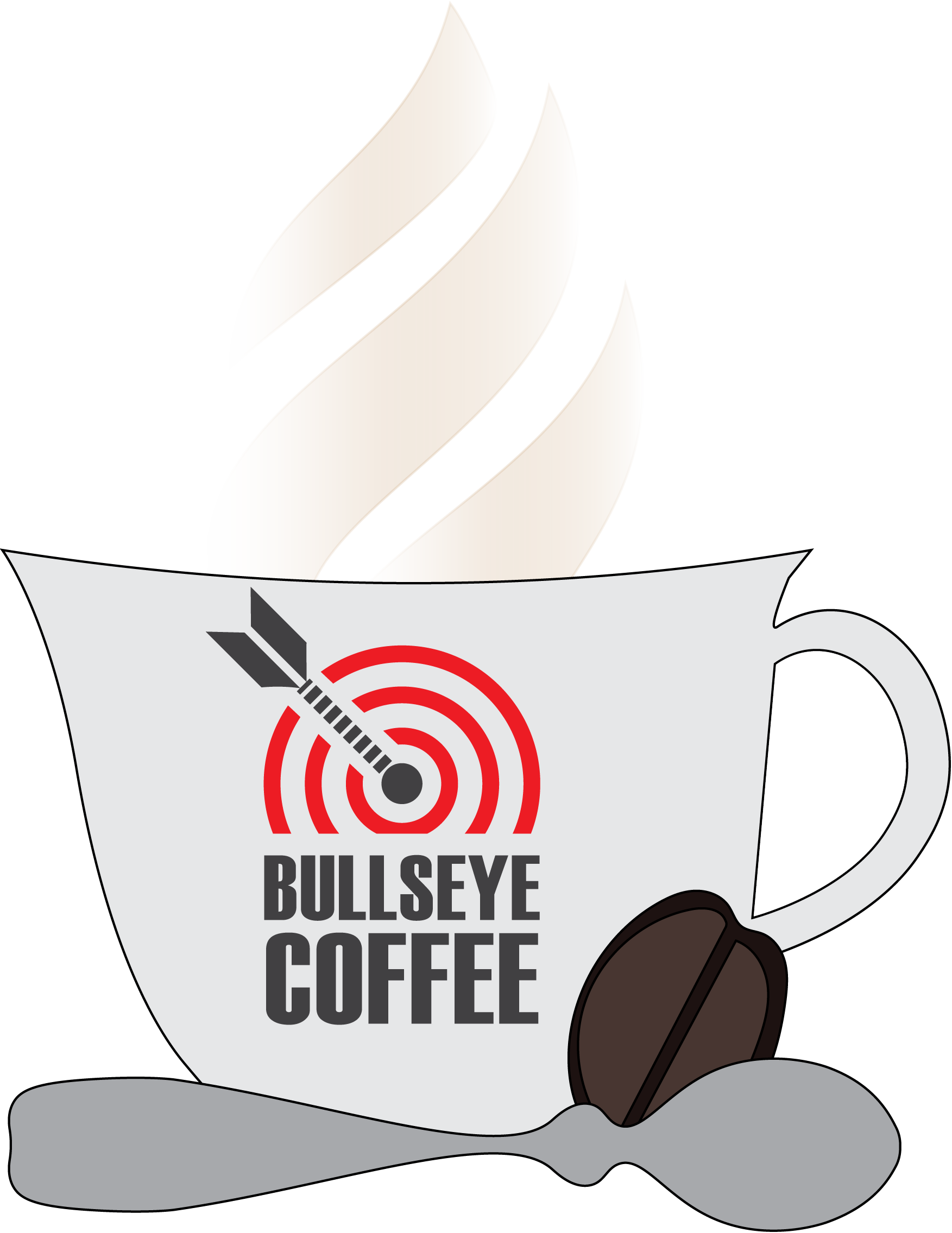
Lesson 6, Making a coffee cup logo

    In Lesson 6 of Adobe Illustrator CC Classroom in a Book (2018 release) I learned how to use a variety of tools in Illustrator to make a coffee cup, the logo on it, a spoon, and a coffee bean icon. First I drew the coffee cup with the pen tool and the curvature tool. Then for the spoon I drew half of it and then reflected that half to complete the shape. I used the pencil tool to draw the coffee bean. For the steam, I learned how to erase unwanted edges with the Joint tool, and I also connected paths that were wide open. 


Tuesday, July 26, 2022

Adobe Illustrator lesson 1, basic logo symbols

 I am now dipping my toes and learning Adobe Illustrator. I followed the first lesson in the digital book called Adobe Illustrator CC classroom in a book (2018) and made a logo and a few symbols from scratch. I really like the simplicity and elegance of the flyer so I decided to post it on my blog. Now I can make logos and professional looking flyer ads 💬🤠


Thursday, July 21, 2022

Movie Poster creating is a fun learning experience

    I recently watched the last Matrix movie, number 4 and I thought it was super interesting. I love the story and concept of The Matrix and it's rebels. When I was younger I would have picked the red pill in a heartbeat, or so I think. Now that I am older, a happy life with purpose is what I am aiming for and thus I don't mind the blue pill. As long as the robots are being good to me-What is there to complain about? LOL 

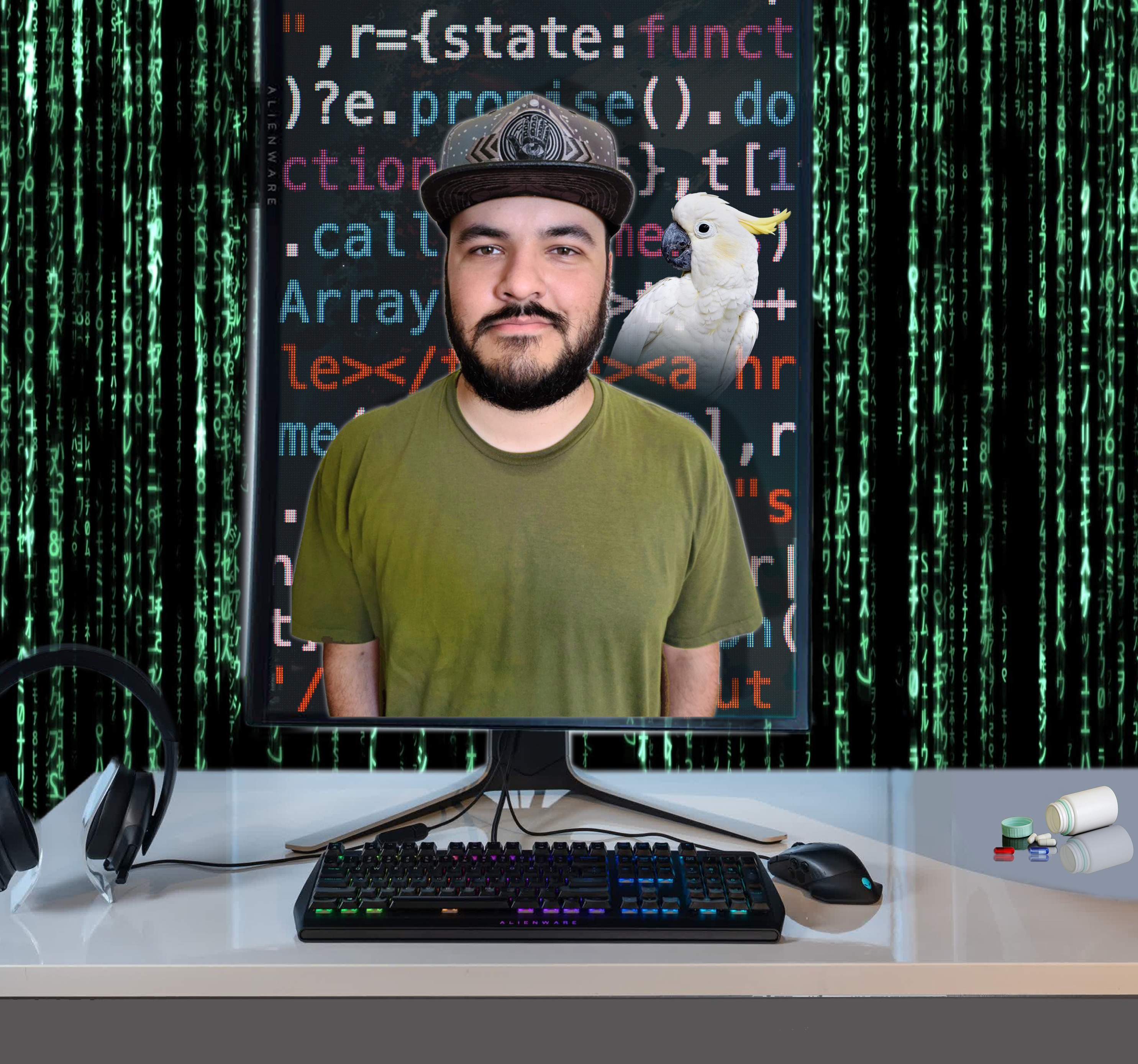
I had to make a movie poster for my Photoshop class final. I quickly gravitated towards The Matrix and made a faux movie poster for The Matrix 5, Reincarnation. I really like the tagline I invented, "A new generation." I went all out creating a cool computer screen with html code on it and my boyfriend popping out of the bottom with a materializing cockatoo on his shoulder. Everything has a digital flare that goes along with The Matrix's theme. I also learned how to use gradients and change a regular portrait picture into something cool. I added a pill bottle with the red and blue pill near a VR headset- because we all know The Metaverse is going to be a lot like The Matrix, hehehe...For good or for worse. 

I read an article online that made me feel a bit better about the future. The article talked about how people with disabilities and/or illnesses could benefit a lot from an online world where they can customize their avatar and then go to places like virtual museums or homes or planets. That's how they can do things like able bodies can. Everyone deserves a way to interact with other people. Human beings need friends and a community. Maybe some people will befriend robots too, as long as it's not hurting anyone then I think The Metaverse could be benevolent. Hopefully some people will prefer the real world and keep fighting to keep it as green and as healthy as possible...Without the Earth, we can't live or have a lifestyle.

My professor liked my first movie poster version but he thought that I could put my talent to good use and watch a few more online tutorials on how to make a classic The Matrix style poster. He was right. I can do something more Hollywood poster-ish. I am happy that he kindly pushed me in the right direction. Both posters were fun to work on.


Thursday, July 14, 2022

Lesson 7 Magazine cover design result

 Lesson 7 in the Adobe Photoshop CC Classroom in a book was super informative, it was all about fonts, and clipping masks to alter the visuals on them. 

I got to design a mock magazine cover. It was really cool designing the font styles and adding text to a warped path that made the text curve.